

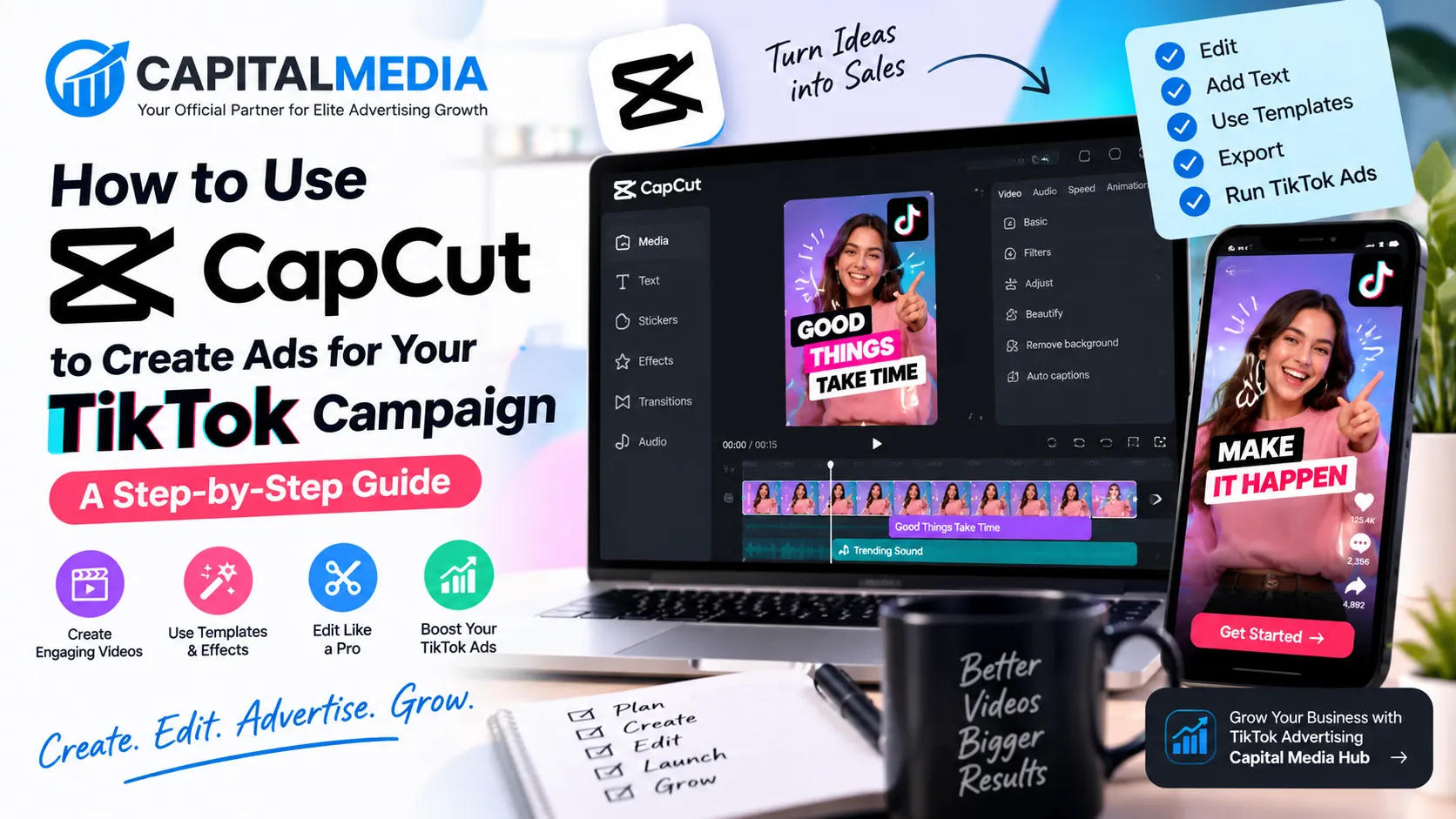
Creating a TikTok ad does not always require expensive video production, a professional editor, or a large creative team. With CapCut, you can turn product photos, short clips, screen recordings, testimonials, and simple talking-head videos into TikTok-ready advertising creatives.For businesses running tiktok agency ads, CapCut can also make the creative production process faster. You can create several versions of an ad, test different hooks, change the offer, and adapt the same concept for different audiences without rebuilding every video from scratch.CapCut currently provides advertising and business-focused templates that can be customized with your own media, branding, text, and messaging. Its template library includes formats for product promotion, business advertising, product showcases, reviews, launches, and other promotional content.This guide explains how to use CapCut to create TikTok ads from start to finish, including choosing the right format, editing your footage, adding text and captions, creating different ad variations, exporting the final video, and uploading it to TikTok Ads Manager.
Why Use CapCut for TikTok Ads?
TikTok is a video-first advertising platform, so the creative itself plays an important role in how your campaign communicates with viewers.CapCut is useful because you can handle many common editing tasks in one place. You can trim clips, arrange footage, add text, use transitions, include captions, adjust audio, and customize templates.Its advertising template collection is specifically designed around business and promotional content, which can give advertisers a starting point instead of requiring them to begin with a completely blank timeline.That can be particularly useful when you need multiple creatives for a campaign. For example, an e-commerce brand might create:
- A product demonstration
- A customer review video
- A problem-and-solution video
- A limited-time offer
- A product comparison
- A behind-the-scenes clip
- A short founder video
The goal is not to make every ad look identical. Instead, CapCut gives you a practical editing workflow for producing different creative concepts quickly.
What You Need Before Creating Your TikTok Ad
Before opening CapCut, collect the material you want to use.
Depending on your business, you might need:
- Product videos
- Product photographs
- Screen recordings
- Customer-generated content
- Talking-head footage
- Product demonstrations
- Brand logo
- Brand colors
- Offer or discount details
- Website URL
- Call-to-action text
- Background music or suitable audio
Try to organize your footage before editing.If you are promoting a skincare product, for example, you could collect a product close-up, someone using the product, packaging footage, a before-and-after explanation where permitted, and a short product-benefit clip.Having these assets ready makes the editing process much easier.
Step 1: Decide What Your TikTok Ad Is Supposed to Do
Do not start by choosing a template.Start with the objective. Ask yourself what you want the viewer to do after watching the video.
It could be:
Buy a product
Visit your website
Submit a lead form
Download an app
Book a consultation
Learn about your brand
Sign up for an offer
Your objective should influence the structure of your video.For example, a product sales ad may need to introduce the product quickly, demonstrate the benefit, explain the offer, and finish with a clear call to action.A lead-generation ad may focus more heavily on a problem, the solution you provide, and the reason someone should contact you.TikTok Ads Manager organizes advertising into campaigns, ad groups, and ads, and the available ad creation options depend on the campaign and ad group configuration. TikTok currently supports both image and video ads.
Step 2: Choose the Right Video Format
TikTok is primarily a vertical-video environment, so create your advertising creative with mobile viewing in mind.A vertical format lets the video occupy the screen naturally while giving you space for visual storytelling and text.Avoid putting important information too close to the edges of the frame.Your viewer may also see TikTok interface elements around the video, so keep important headlines, product information, prices, and calls to action in clear areas where they remain easy to read.A simple rule is:
One screen = one main idea.
Do not place a paragraph of text on the screen while also showing a product, animation, logo, price, discount, and five different messages.The viewer should understand what matters without having to pause the video.
Step 3: Open CapCut and Start a New Project
Open CapCut and create a new project.Import the footage you want to use.If you have multiple clips, bring them into the project in roughly the order you expect to use them. You can change the order later.At this stage, do not worry about making everything perfect.First build the basic story.
For example:
Clip 1: Show the problem
Clip 2: Introduce the product
Clip 3: Demonstrate the product
Clip 4: Show the benefit
Clip 5: Present the offer
Clip 6: Add the call to action
This gives you a basic structure that you can refine after seeing the full sequence.
Step 4: Use a CapCut Template When It Makes Sense
CapCut has a large collection of advertising templates covering areas such as product marketing, business promotion, product launches, reviews, and other commercial formats.Templates can save time, especially when you need a simple promotional video.However, do not use a template just because it looks attractive.The template should support your message.Suppose you sell watches.A flashy template with ten fast transitions might look impressive, but if the product details become difficult to see, it may work against the ad. A better approach is to choose a template with a structure that fits your content, then customize it heavily.
Replace:
- Placeholder footage
- Text
- Colors
- Logos
- Product information
- Music
- Transitions where necessary
CapCut’s business template library describes its templates as customizable for different industries and promotional purposes. Also remember that CapCut’s template availability can vary by platform and region. Its current help documentation notes differences between mobile, web, and desktop template functionality.
Step 5: Start Your Ad With a Strong Hook
The first part of your video has an important job: give the viewer a reason to continue watching. Your opening does not necessarily need a complicated animation. A clear statement can work better.
For example:
“Still paying too much for skincare?”
“Here is how we reduced checkout time.”
“Three things to check before buying running shoes.”
“Looking for a faster way to edit product videos?”
“This is what changed after we redesigned our website.”
The hook should be relevant to the product or service.Do not promise something the rest of the video cannot deliver.If your opening says “Watch this before you buy,” the content should provide a useful reason to watch.
Step 6: Keep Your Editing Moving
TikTok users are accustomed to short-form video, so unnecessary pauses can make an advertisement feel slow. Use CapCut’s trimming tools to remove:
- Long pauses
- Repeated statements
- Empty frames
- Unnecessary introductions
- Accidental footage
- Sections that do not contribute to the message
This does not mean every ad needs extremely fast editing.A calm product demonstration can work.The important thing is that every section has a purpose.If a five-second clip communicates the same information as a twelve-second clip, consider whether the extra seven seconds are necessary.
Step 7: Add Text That Supports the Video
Text can help viewers understand your message even when they are not listening to the audio.Use short phrases instead of long paragraphs. For example:
Problem: Slow website?
Solution: We rebuild it for speed.
Benefit: Better mobile experience.
CTA: Book a consultation.
This is easier to process than placing a full sales pitch on screen.CapCut lets you add and customize text as part of the editing process, making it useful for headlines, product features, offers, subtitles, and calls to action.Keep your typography consistent.If your brand already has a recognizable style, use similar fonts and colors rather than changing the design completely for every video.
Step 8: Add Captions to Talking Videos
If your TikTok ad includes someone speaking, captions can make the content easier to follow. This is especially useful when a person is explaining a product, reviewing a service, or demonstrating how something works.Instead of showing every word in a large block, break the dialogue into readable chunks.
For example:
“We tested three different landing pages.”
Then:
“This version generated more completed forms.”
Then:
“Here is what we changed.”
Make sure captions do not cover important product details or faces.
Step 9: Use Music and Sound Carefully
Music can add energy to an ad, but it should not overpower the main message. If someone is speaking, make sure their voice remains understandable. If your video relies on text and visuals, the music can support the pace without becoming the central focus. Most importantly, use audio that you are permitted to use for advertising. Commercial advertising can have different licensing requirements from ordinary personal posts. Always check the applicable music and content rights before publishing an advertisement.
Step 10: Add Your Brand Without Overdoing It
Branding is useful, but your TikTok ad should not feel like a corporate presentation unless that is intentional for your audience.
You can introduce your brand through:
- Logo placement
- Brand colors
- Product packaging
- Consistent typography
- A recognizable visual style
- A branded end frame
For example, you might keep your logo small during the video and use a clearer branded end card for the final call to action.The viewer should remember what you are offering, not simply remember that they saw a logo.
Step 11: Create Multiple Versions of the Same Ad
This is one of the biggest advantages of editing your own TikTok creatives.You do not need to create ten completely different videos.Start with one strong concept and produce variations. For example:
Version A: Problem Hook
“Your website is losing customers because of these three mistakes.”
Version B: Benefit Hook
“Here is how we make business websites easier to use.”
Version C: Question Hook
“Is your website ready for mobile shoppers?” The middle section can remain similar while the opening changes.
You can also test:
- Different opening clips
- Different headlines
- Different offers
- Different calls to action
- Different product demonstrations
- Different background music
- Different testimonials
This approach can make creative testing more manageable for businesses running tiktok agency ads.
Step 12: Build UGC-Style TikTok Ads
You do not always need a highly produced commercial. A simple user-generated-content style video can feel more natural on a short-form platform.
For example:
Someone holds the product and says:
“I tried this because I was looking for a simpler option. Here is what I noticed.”
Then show the product being used.Add supporting text.Finish with the relevant call to action.CapCut can be used to trim the footage, add captions, highlight key phrases, and create a cleaner final edit.The important part is authenticity. Do not manufacture fake customer experiences or testimonials. If a customer is featured, use their actual experience and obtain the appropriate permission to use the content in advertising.
Step 13: Add a Clear Call to Action
Your ad should not leave the viewer wondering what to do next.
Depending on your campaign, the CTA could be:
Shop Now
Learn More
Get Started
Book a Consultation
Download Now
Visit Our Website
Get the Offer
The CTA should match the action available after the click. If the ad says “Get a free consultation,” but the landing page immediately asks for a purchase, the experience feels disconnected. Your video, landing page, and campaign objective should tell the same story.
Step 14: Export Your Final Video
Once your edit is complete, watch the entire video before exporting.
Check:
- Spelling
- Product information
- Prices
- Website URL
- Captions
- Logo
- Audio
- Video quality
- Timing
- CTA
- Text placement
Watch it on a phone as well. Something that looks readable on a large editing screen may be too small on a mobile display.Export the final creative using a format supported by your TikTok advertising setup.
Step 15: Upload the Video to TikTok Ads Manager
After your CapCut video is ready, move into TikTok Ads Manager.TikTok’s current ad creation workflow is structured around the campaign, ad group, and ad levels. Once the campaign and ad group are established, you can create the actual ad and upload your creative. At the ad level, you can select the appropriate creative and complete the required fields based on your campaign configuration.
Before submitting the campaign, check that the:
- Destination URL is correct
- CTA matches your landing page
- Ad copy matches the video
- Tracking is configured
- Targeting is appropriate
- Creative follows TikTok’s advertising requirements
TikTok may review the ad before it becomes active.
How CapCut Fits Into a TikTok Agency Ads Workflow
For businesses managing larger campaigns, creative production can become a bottleneck.Imagine a brand needs 20 video variations for a product launch.Creating each video from scratch would take considerable time.With a structured CapCut workflow, the team can create a reusable editing framework.
For example:
Base Video
↓
Change Hook
↓
Change Product Angle
↓
Change Offer
↓
Change CTA
↓
Export Variation
This makes creative testing easier.A business running tiktok agency ads can then organize creatives by campaign, audience, product, and messaging angle.Capital Media Hub provides TikTok advertising services and agency account solutions. Its campaign management offering describes support for campaign setup and optimization, creative and copywriting, targeting, Pixel setup, and conversion tracking.If you need an agency advertising account for your TikTok campaigns, you can explore Capital Media Hub’s TikTok Agency Ad Account solutions here: Capital Media Hub TikTok Agency Ad Account Capital Media Hub also describes TikTok agency account solutions for advertisers operating in markets including the USA, Canada, Europe, Singapore, and Israel.
Common Mistakes to Avoid When Making TikTok Ads With CapCut
Using Too Many Effects
Transitions and effects can make a video more interesting, but too many can distract from the product.Use effects when they support the story.
Copying a Template Without Customizing It
A template is a starting point, not the finished advertisement.Change the footage, messaging, branding, and pacing so the final video actually represents your business.
Making the Ad Look Like a Traditional Commercial
A polished video is not automatically a better TikTok ad.Depending on your audience, a simple demonstration or creator-style video may communicate the product more naturally.
Putting Too Much Text on Screen
If viewers need to stop the video to read the text, you may have added too much.Keep important messages short.
Forgetting the Landing Page
A strong video cannot compensate for a confusing landing page.The promise made in the ad should match what people see after they click.
Ignoring Conversion Tracking
Views and clicks can tell you that people interacted with your ad.Conversion tracking can help you understand what happened after that interaction.For campaigns designed around leads, purchases, registrations, or other website actions, make sure the appropriate tracking is configured before judging performance.
A Simple CapCut TikTok Ad Formula
If you are unsure how to structure your first video, start with this five-part format:
0–3 seconds: Hook
Show the problem, product, question, or unexpected visual.
3–8 seconds: Problem
Explain what the viewer is dealing with.
8–15 seconds: Solution
Show your product or service solving the problem.
15–20 seconds: Proof or Benefit
Demonstrate the result, feature, use case, or genuine customer experience.
Final seconds: CTA
Tell the viewer what to do next. The exact timing does not need to be identical for every campaign. The formula is simply a useful starting point.
Frequently Asked Questions
Can I create TikTok ads using CapCut?
Yes. CapCut provides video editing features and business advertising templates that can be used to create promotional videos for TikTok campaigns. Its advertising template library includes product, business, promotional, and commercial formats.
Is CapCut good for beginners creating TikTok ads?
CapCut can be useful for beginners because templates and straightforward editing tools can reduce the amount of manual editing required. The exact features available can differ between CapCut mobile, web, and desktop versions.
Can I use CapCut templates for business advertising?
CapCut provides business and advertising templates designed for promotional content. However, you should review the licensing and usage rights for any media, music, fonts, or other assets included in a template before using them in paid advertising.
What should a TikTok ad include?
A typical TikTok ad should communicate a clear message, show the product or service, provide a reason to continue watching, and finish with an appropriate call to action. The exact structure depends on your campaign objective.
How many TikTok ad creatives should I make?
There is no universal number that works for every campaign. Instead of producing many nearly identical videos, create meaningful variations around different hooks, product benefits, offers, formats, or audiences and evaluate them using your campaign data.
Can I use CapCut for TikTok agency ads?
Yes. CapCut can be part of a creative workflow for businesses and agencies producing multiple TikTok advertising variations. It can be especially useful when teams need to adapt existing footage into different hooks, messages, and formats.
Where can I get a TikTok agency ad account?
Capital Media Hub provides TikTok agency account solutions for advertisers. You can review its current offering and requirements through its official website.
View TikTok Agency Ad Account Options at Capital Media Hub
Final Takeaway
CapCut gives businesses a practical way to turn ordinary footage into TikTok advertising creatives without building every video from scratch.The most important part is not the number of transitions, effects, or templates you use. It is the message.Start with a clear objective. Choose footage that supports that objective. Build a strong opening, keep the editing focused, use readable text, add a relevant CTA, and create several meaningful variations.For businesses running tiktok agency ads, this workflow can make creative production much easier to manage. Instead of waiting for a completely new video every time you want to test a different idea, you can use a base concept and adapt it into multiple versions.And if you also need advertising infrastructure for your TikTok campaigns, Capital Media Hub provides TikTok agency account solutions that can be explored alongside your creative and campaign setup.
The best workflow is simple:
Plan the message → Edit in CapCut → Create variations → Check the landing page → Add tracking → Upload to TikTok Ads Manager → Test and optimize.
That gives you a repeatable process for creating TikTok ads that are clear, relevant, and ready for paid campaigns.